Content
This guide details the deployment of ComfyUI on Ubuntu 22.04, including the manual installation of ComfyUI Manager for extended functionalities (custom nodes) and the manual installation of custom nodes, specifically tailored for users within China’s network environment.
Official Documentation: ComfyUI
Installation
First, ensure you have a conda environment on your server and create a new one.
# Clone the ComfyUI git repository
git clone https://github.com/Comfy-Org/ComfyUI.git

# Navigate to the ComfyUI directory, activate the conda environment, and install dependencies
cd ComfyUI
conda activate comfyui_env
pip install -r requirements.txt

# Start ComfyUI, specifying the port number and GPU device
python main.py --listen --port 10020 --cuda-device 0
Install ComfyUI Manager
```Plain
# Change to the custom_nodes subdirectory
cd custom_nodes

# If your network environment has no restrictions
git clone https://github.com/ltdrdata/ComfyUI-Manager.git

# If your network environment has restrictions, manually download the [repository](https://github.com/Comfy-Org/ComfyUI-Manager),
# unzip it, rename the folder to ComfyUI-Manager, and place it in custom_nodes.
# Then, restart ComfyUI.
python main.py --listen --port 10020 --cuda-device 0
```
Install Any Plugins
i.  If the ComfyUI Manager GUI can download nodes:

ii.  If the ComfyUI Manager GUI consistently fails to download nodes:

```Plain
# Clone the corresponding git repository, rename it, and place it in custom_nodes.
git clone https://github.com/some/custom/nodes.git

# Navigate into the node's directory and install its dependencies.
pip install -r requirements.txt

# Restart ComfyUI.

# Some commonly used custom nodes:
# --Control Net: https://github.com/Fannovel16/comfyui_controlnet_aux
# --ComfyUI-Impact-Pack: https://github.com/ltdrdata/ComfyUI-Impact-Pack
# --rgthree-comfy: https://github.com/rgthree/rgthree-comfy


```
Quick Start
- The most widely used text-to-image model is Flux. Setting up a workflow using it is an excellent starting point.
- Images generated by ComfyUI contain workflow information, which can be directly dragged into the GUI to re-create the workflow.
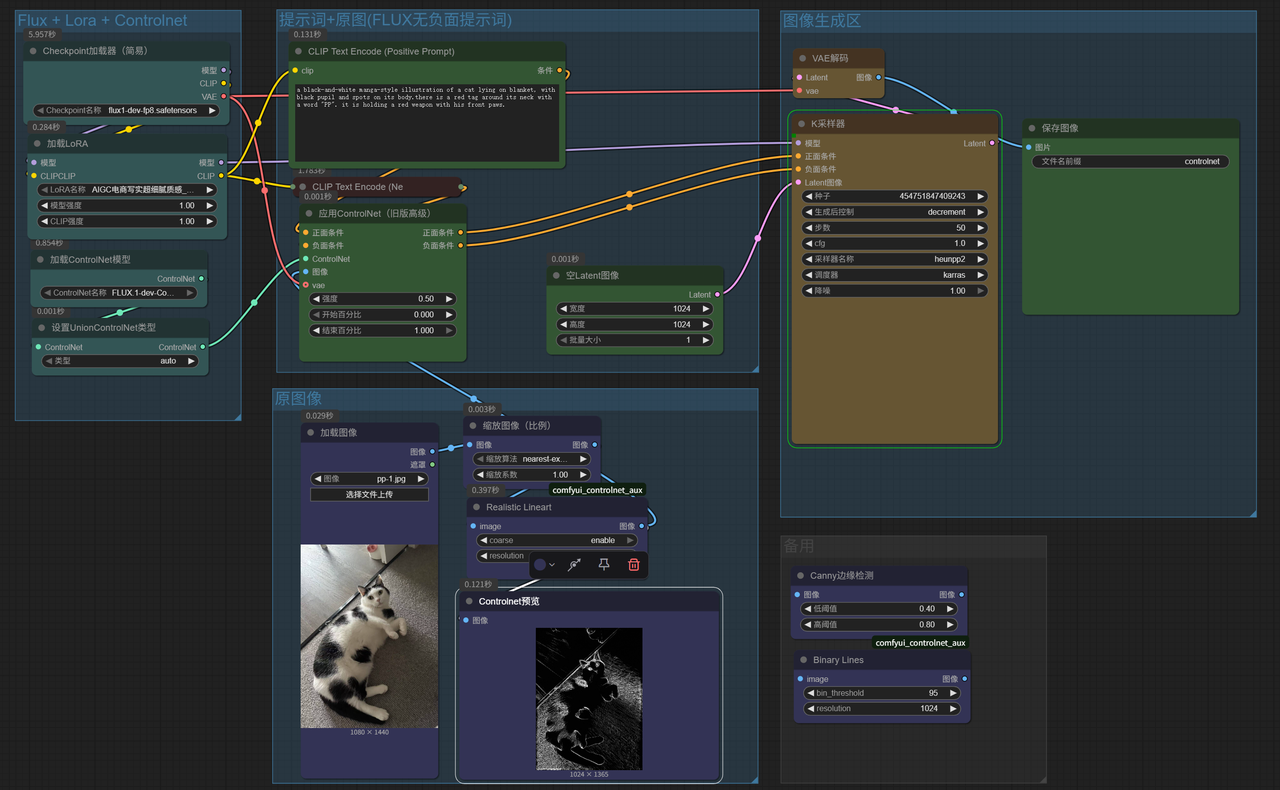
- Example 1: Flux + Lora + ControlNet Workflow
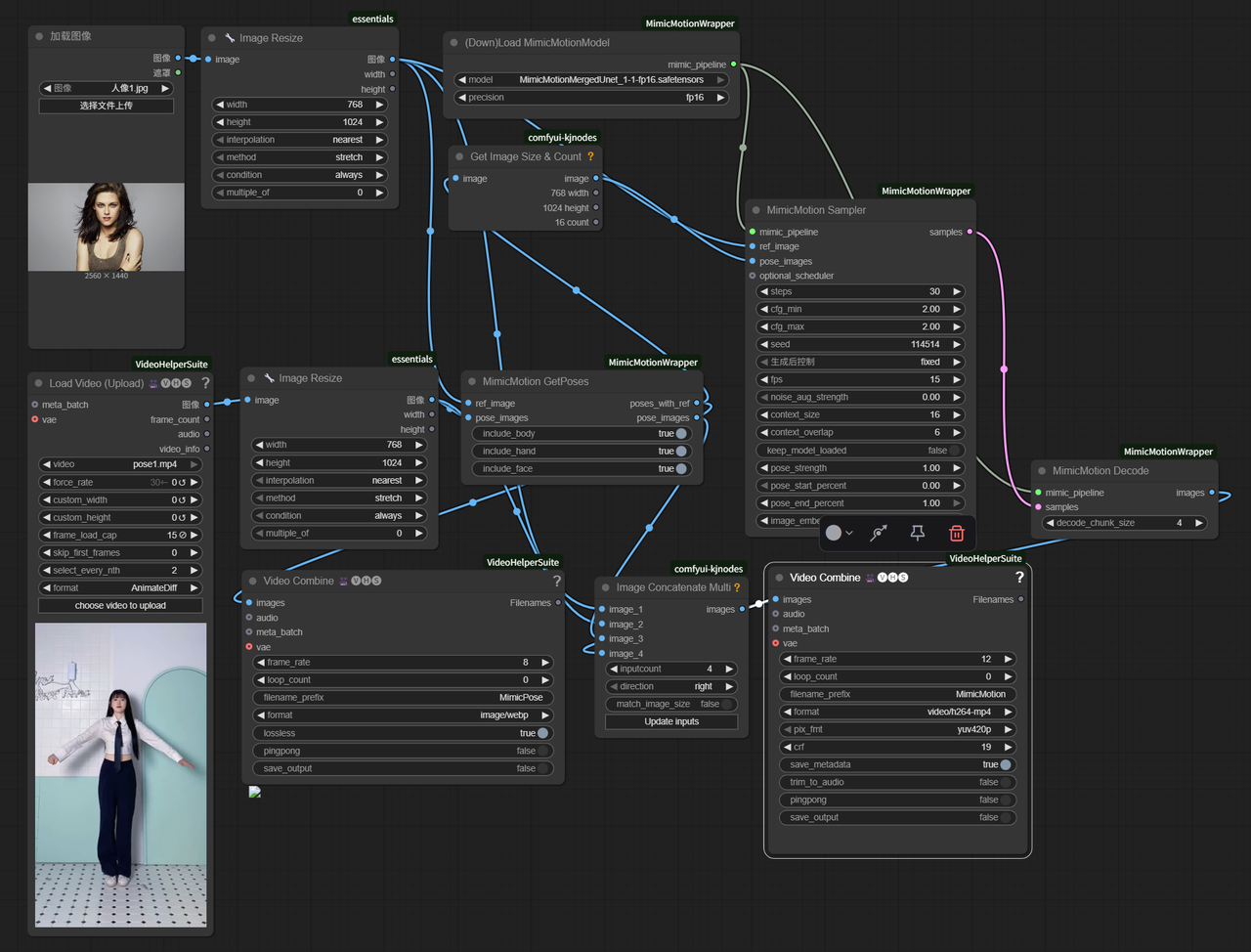
- Example 2: MimicMotion Action Simulation Workflow